Top 5 Display Panel Lcd Tips You Should Know?
When it comes to display technologies, the Display Panel LCD is a popular choice among consumers. These panels are known for their vibrant colors and sharp images. However, not all LCDs are created equal. Understanding how to maximize their potential is essential for a satisfying viewing experience.
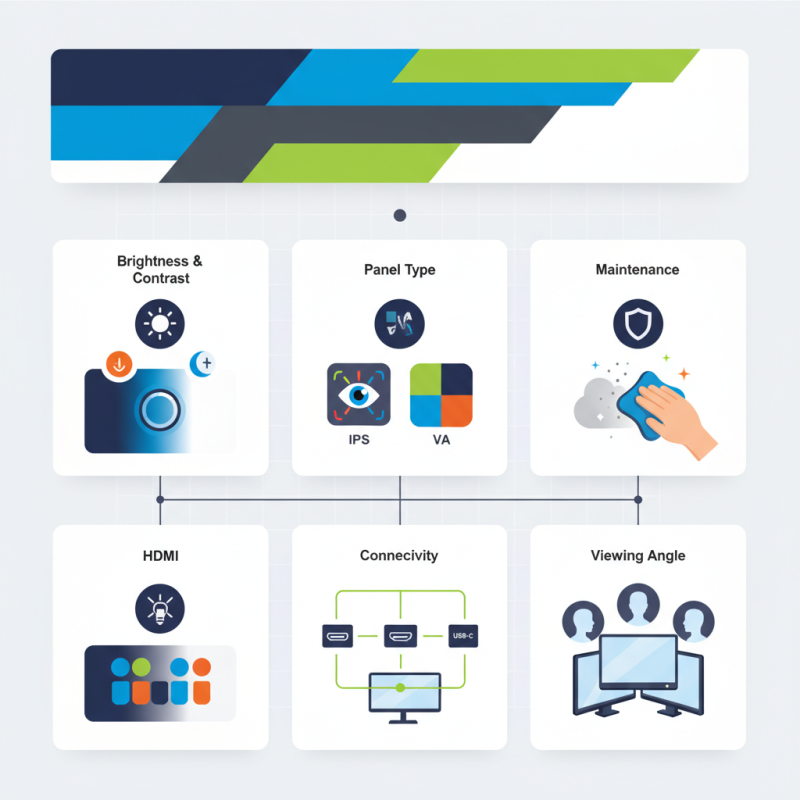
An informed buyer knows the factors that influence display quality. For instance, brightness and contrast can greatly affect how images appear. Additionally, different panel types can yield varied performance. Exploring these aspects can lead to better choices in purchasing and usage.
Poor maintenance can also lead to subpar performance. Dust accumulation or improper handling may damage the display over time. Users should reflect on their care routines to extend the life of their LCD panels. These tips may seem basic, but they are often overlooked, affecting long-term satisfaction.
Understanding LCD Technologies: Key Differences and Innovations
LCD technologies have advanced significantly in recent years. Understanding these innovations helps consumers make informed choices. There are key differences among various LCD types. For example, IPS panels offer superior color accuracy and viewing angles. Meanwhile, TN panels excel in response times, making them popular among gamers. However, they often fall short in color reproduction.
When selecting an LCD panel, consider your usage. If you watch movies frequently, prioritize IPS technology for its vibrant colors. For office work, a VA panel may strike a balance between contrast and viewing comfort. Remember, not all specs tell the whole story.
Tip: Always research user reviews. They provide real-world experience that can be more telling than numbers. Pay attention to color uniformity and durability. Some panels might seem appealing based on specifications yet fail in practical usage. Trust personal accounts to guide your choice.
Optimal Viewing Angles: Enhancing Display Quality and User Experience
Optimal viewing angles significantly impact the display quality and user experience. Research indicates that nearly 30% of users notice color distortion from off-angles. This perception affects how they interact with devices. For instance, when viewing an LCD screen from a side angle, brightness can reduce by up to 50%. Such drops make it hard to analyze images and videos properly.
Many display panels underperform due to poor angle management. Studies show that ergonomically positioning screens can improve user experience and productivity. When screens are tilted correctly, users experience enhanced color accuracy and brightness uniformity. However, users often forget to adjust their viewing positions. This oversight can lead to discomfort during lengthy usage.
Furthermore, environmental factors play a role. Glare from windows or overhead lights can further compromise viewing angles. It's imperative to consider ambient lighting when setting up displays. Users may not realize that even small adjustments can yield better results. Inadequate attention to these aspects can lead to frustration. The best experiences come from not just the technology, but also how we position ourselves in relation to it.
Factors Influencing LCD Lifespan: Brightness, Temperature, and Usage
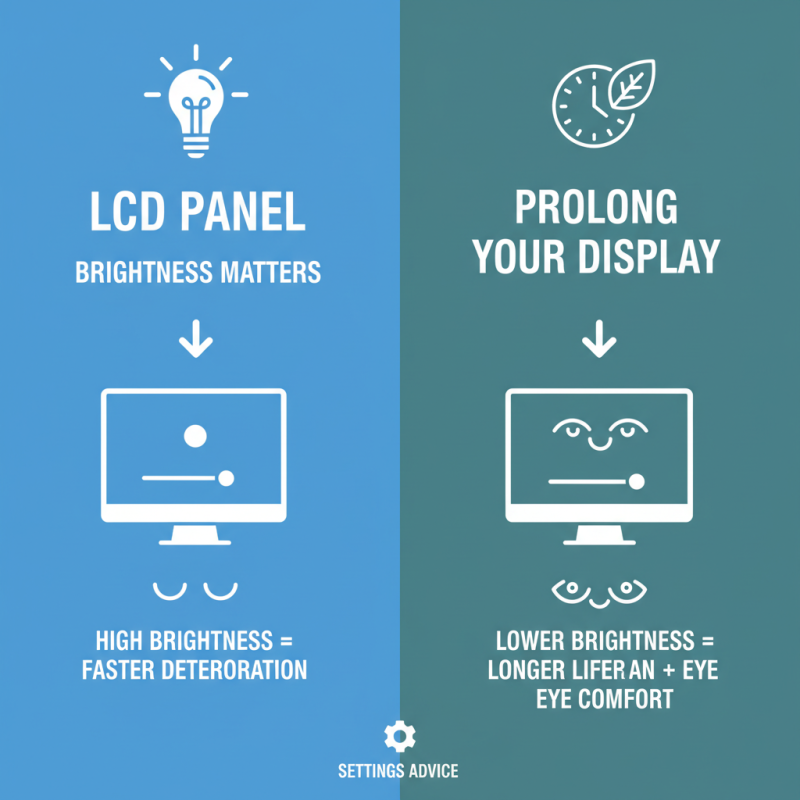
When it comes to LCD panels, several factors can influence their lifespan. Brightness plays a crucial role. High brightness settings can lead to faster deterioration. If you find the screen too bright, consider lowering it. Your eyes will thank you, and the display will likely last longer.
Temperature is another important element. Extreme heat or cold can stress the display. Aim for a stable environment, ideally between 20°C to 25°C. Sudden temperature changes can damage internal components. Monitor your display's surroundings to prevent exposure to risky conditions.
Usage patterns also matter significantly. Continuous use can wear down the panel. Take breaks to extend the life of your LCD. For optimal care, run screen savers or turn off the display during long periods of inactivity. Remember these tips to maintain your LCD display effectively.
Calibration Techniques: Ensuring Accurate Color Representation
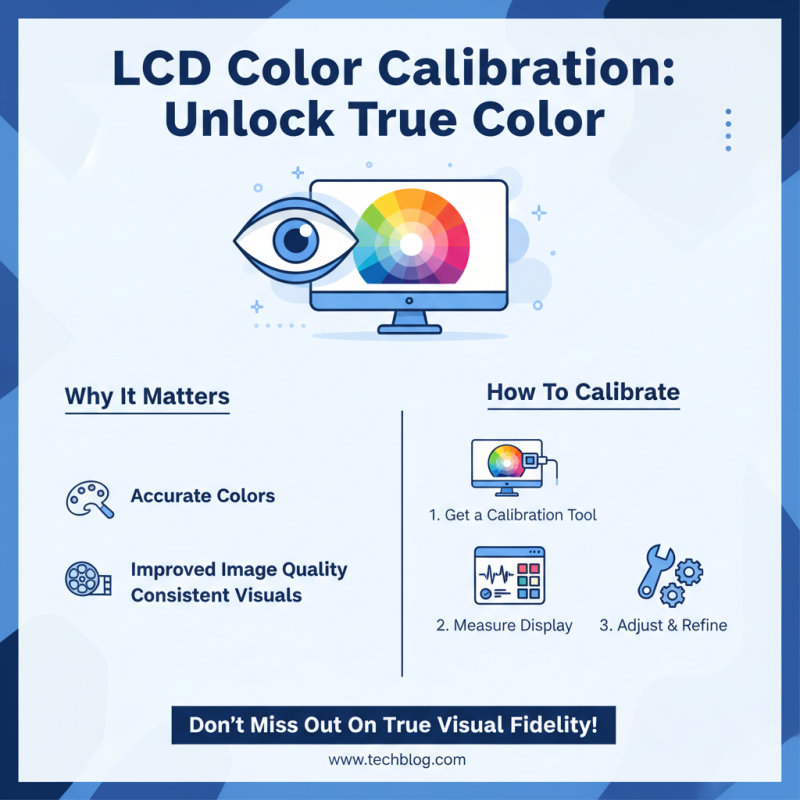
Calibration is crucial for achieving precise color representation on LCD display panels. Color calibration often gets overlooked, yet it can dramatically enhance visual quality. To start, invest in a good calibration tool. This tool will measure your display's colors and highlight areas for adjustment.
When calibrating, ensure the room lighting is consistent. Bright ambient lights can distort color perception. Adjust display settings like brightness and contrast. A poorly set brightness level can wash out colors, making them less vibrant. Some users might ignore this step, leading to disappointing results.
Regular re-calibration is also important. Colors can drift over time, especially as displays age. Many people don't think about this until it's too late. A display that once appeared perfect might now look dull or inaccurate. Taking the time to re-calibrate can revitalize your viewing experience. Don't shy away from experimenting with different settings, too. Finding the ideal color balance takes patience.
Maintenance Tips for LCD Displays: Cleaning and Care Best Practices
LCD displays require careful maintenance to ensure longevity. Regular cleaning is essential. Use a microfiber cloth to avoid scratches. Dampen the cloth slightly with water or a gentle cleaner made for screens. Avoid aggressive chemicals. They can cause damage over time. A good rule of thumb is to clean gently, using circular motions, and never apply liquid directly to the screen.
Additionally, consider the environment. Keep displays out of direct sunlight to reduce glare and overheating. Dust accumulates quickly, so dust regularly with a soft brush or cloth. Be mindful of the cables and connections. A tangled mess can lead to wear and tear. If you notice flickering or dead pixels, take a moment to reflect on usage habits, as overworking the display can lead to issues. Regular breaks are essential for both you and the device.
Maintenance Tips for LCD Displays: Cleaning and Care Best Practices